

GroupBuy Like Groupon, Living Social

GroupBuy Like Groupon, Living Social
$69
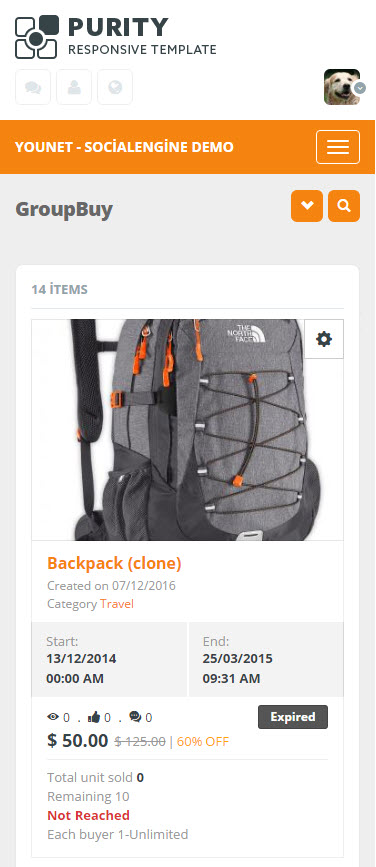
GroupBuy is now FULLY responsive.
Operating in a similar fashion as Groupon, Living Social in SocialEngine site. GroupBuy is the most common e-commerce system to increase consumer buying power. We have provided a new layout with trendy design for all plugin’s pages. Sellers/Merchants are able to sell their products at a lower price than the market price; buyers can get a good product at a lowest possible price on GroupBuy anywhere, anytime. With subscription feature, sellers can segment their customers based on location, age, gender, etc. The promotion deal will be sent to thousands of subscribers in free daily emails.
Best Compatibility: SE 4.8.x – 4.9.x
Product version: 4.05p1
License key
This module requires YouNetCore plugin to verify the license.
The license key and YouNetCore plugin could be found under your Client Area.
Notice:
- Payment Gateway support: Paypal, 2checkout.
For other payment gateways, please contact us for custom work. - This module is fully compatible with SE standard themes and YouNet themes.
If you use a custom template, please submit a ticket in the Client Area to get help from us. - This module is fully responsive with YouNet Responsive Template
Knowledge Base: http://knowledgebase.younetco.com/category/social-engine-products/groupbuy-like-groupon-living-social
Demo:
- Basic Demo: http://socialengine4.demo.younetco.com/group-buy
- Responsive Demo: http://se4templates.demo.younetco.com/responsive-clean/
Improvement
- Compatible with SE 4.9.0 -> 4.9.2
- Support search by kilometer
- Support og tags when sharing deals on Facebook
- Change new layout for all pages: landing, listing, deal detail, my posted deal, FAQs, Helps, Statistic.
- Support to add multiple locations
- Support “Clone” function for creating new deal
- Improve statuses of deal
- Integrate with Advanced Payment Gateway
- Improve layout of “My Account” page in Responsive Photo template
- Support to add deal location with Google place
- Integrate with Location-based System plugin
Key Features
- Enable member to sell and buy deals
- Support Multi-currency
- Enable member get deals by using email subscription
- Support multiple payment methods
- Enable admin to manage all settings for GroupBuy module in admin panel
- Support payment directly by Debit Card through PayPal
- Display number of item in PayPal description
- Show item number on each transaction
- Integrate with: Advanced Payment Gateway, Location-based System, and Advanced Feed System
Front – End
- Homepage
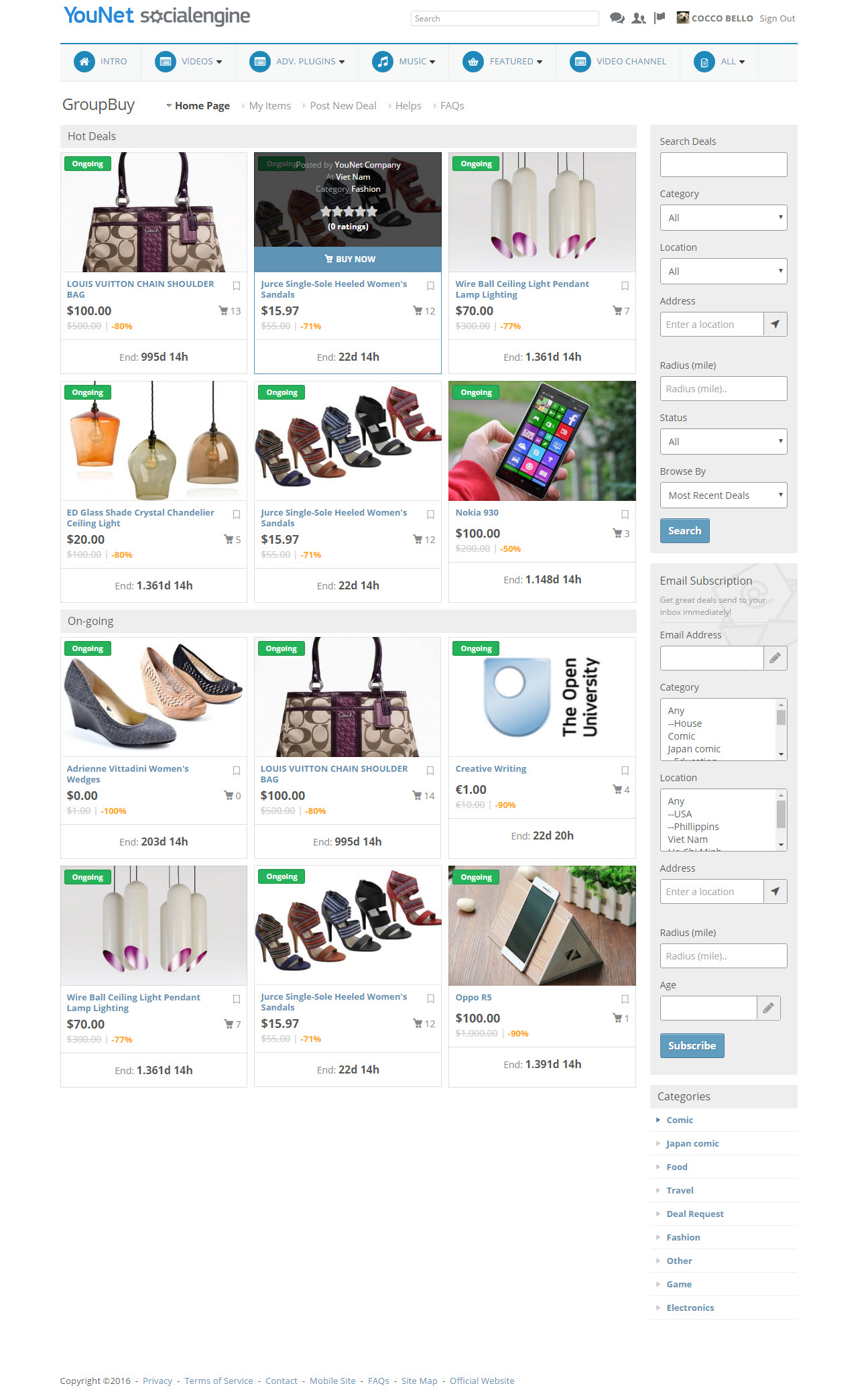
- Featured deals are displayed in slideshow with details
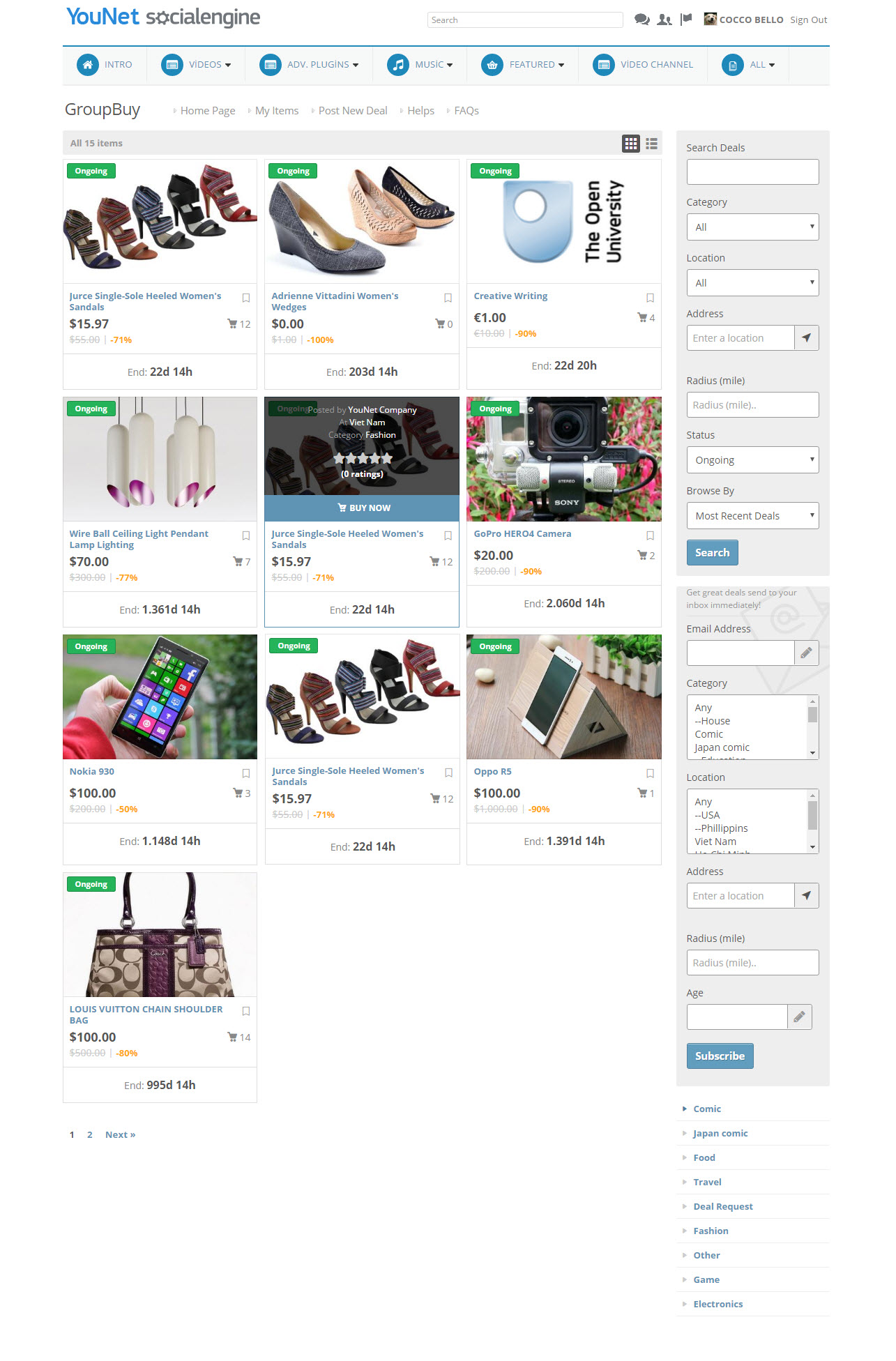
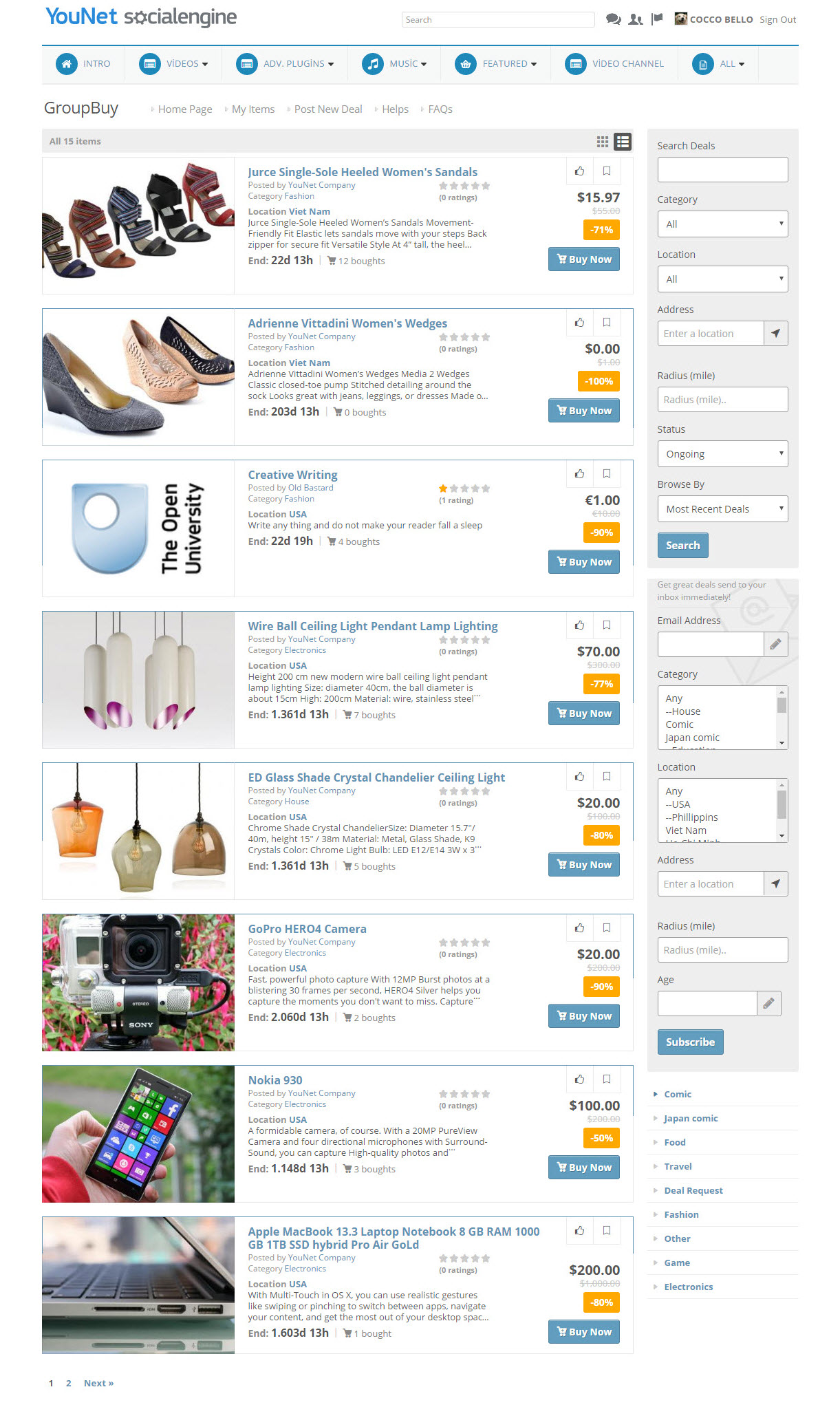
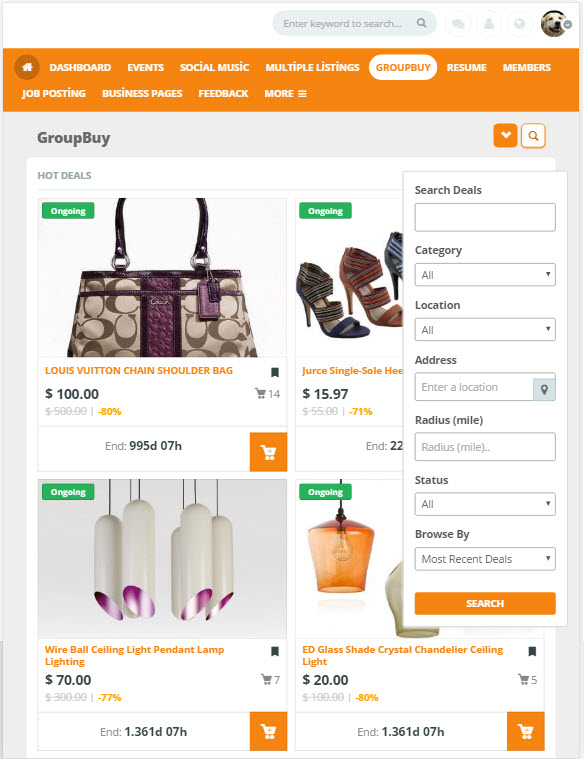
- Search deals: allow user to search for deal by keyword, category, location, address, radius, and status, to browse for deals by: Hottest , Most liked, Highest rated, Lasted, Most viewed
- “Email Subscription” allows member to register for periodically newsletter, segment by targeted information : category, location, age.
- Hot deals: ongoing deal which has the most bought quantity
- On-going and upcoming widgets to display deals
- Deal detail
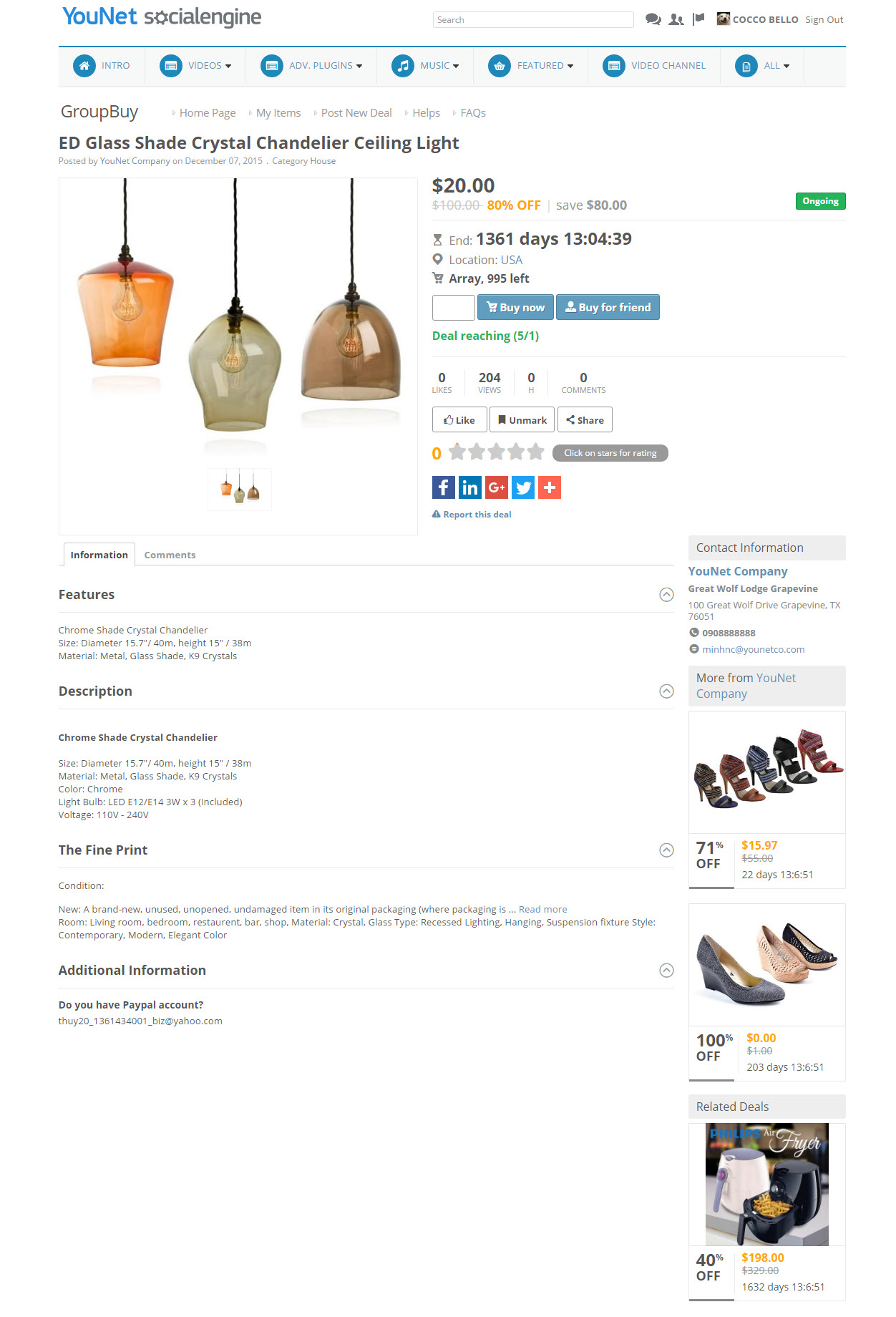
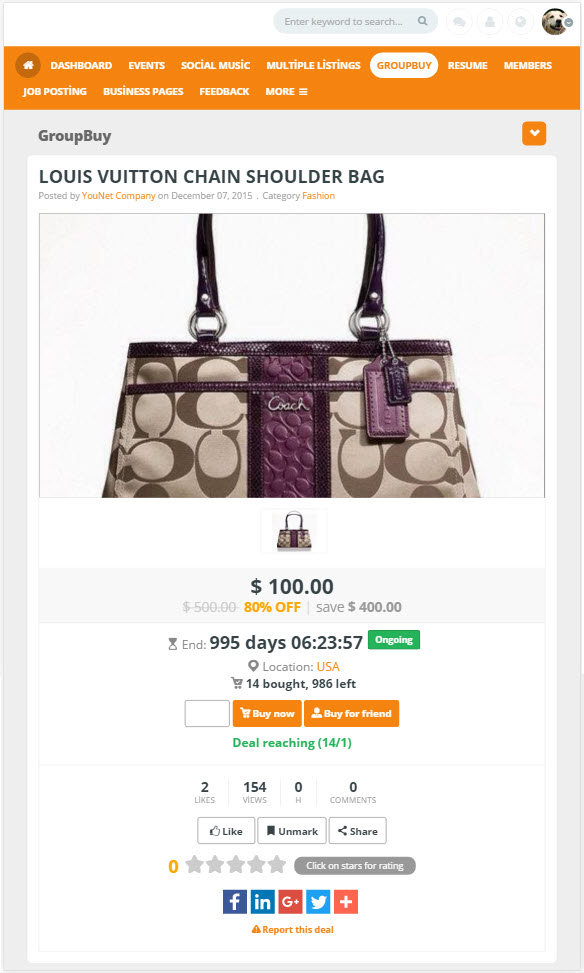
- Show the details of the deal with 3 tabs: Information, Rating & Review, Like & Comment
- Buyer can mark, print or share deal to other social networks
- Seller can manage deal such as Feature, Delete, Clone, Selling Statistic
- Status of deal: draft, pending, denied, approved, upcoming, ongoing, expired
- Check out
- Users are able to buy for his/her friend.
- Buyer can manage shipping information.
- Buyer are able to edit deal quantity during checkout process
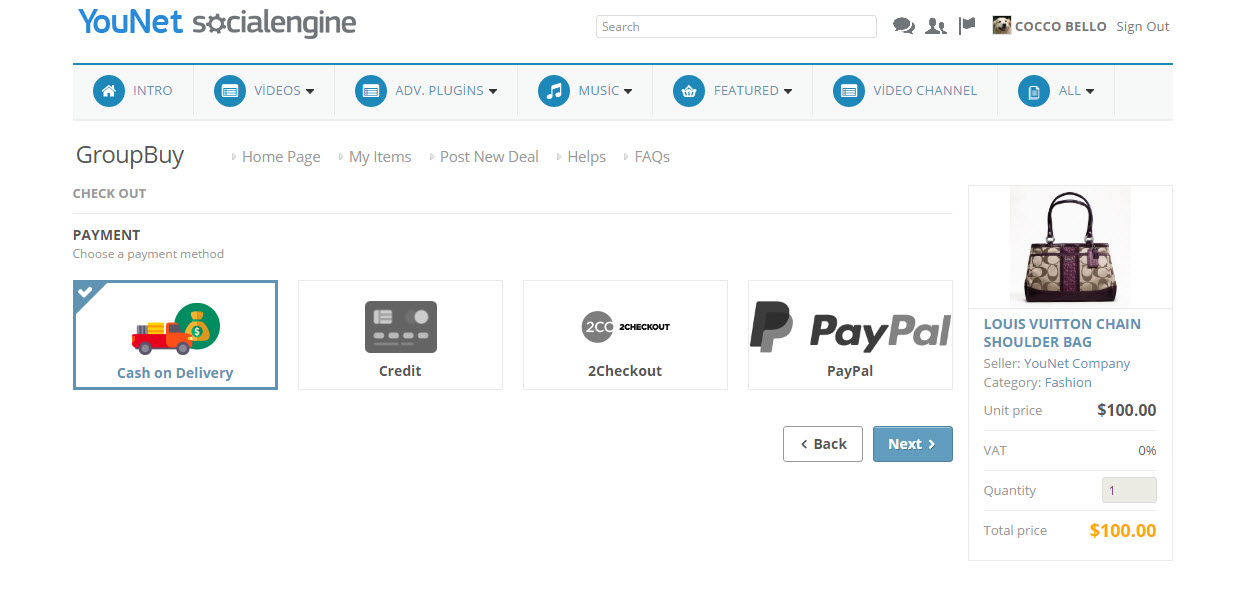
- Support payment methods: Virtual money, Cash on Delivery, Credit, Paypal.
- My Items
- My Deals
- List out all deals with detail information are posted by logging in user
- Seller can search for deals by keyword, category, date, status, etc..
- Seller is able to edit deal/ add photos before publishing a deal
- Seller can view the deal statistics after it is published
- Seller can feature, extend feature period after published a deal
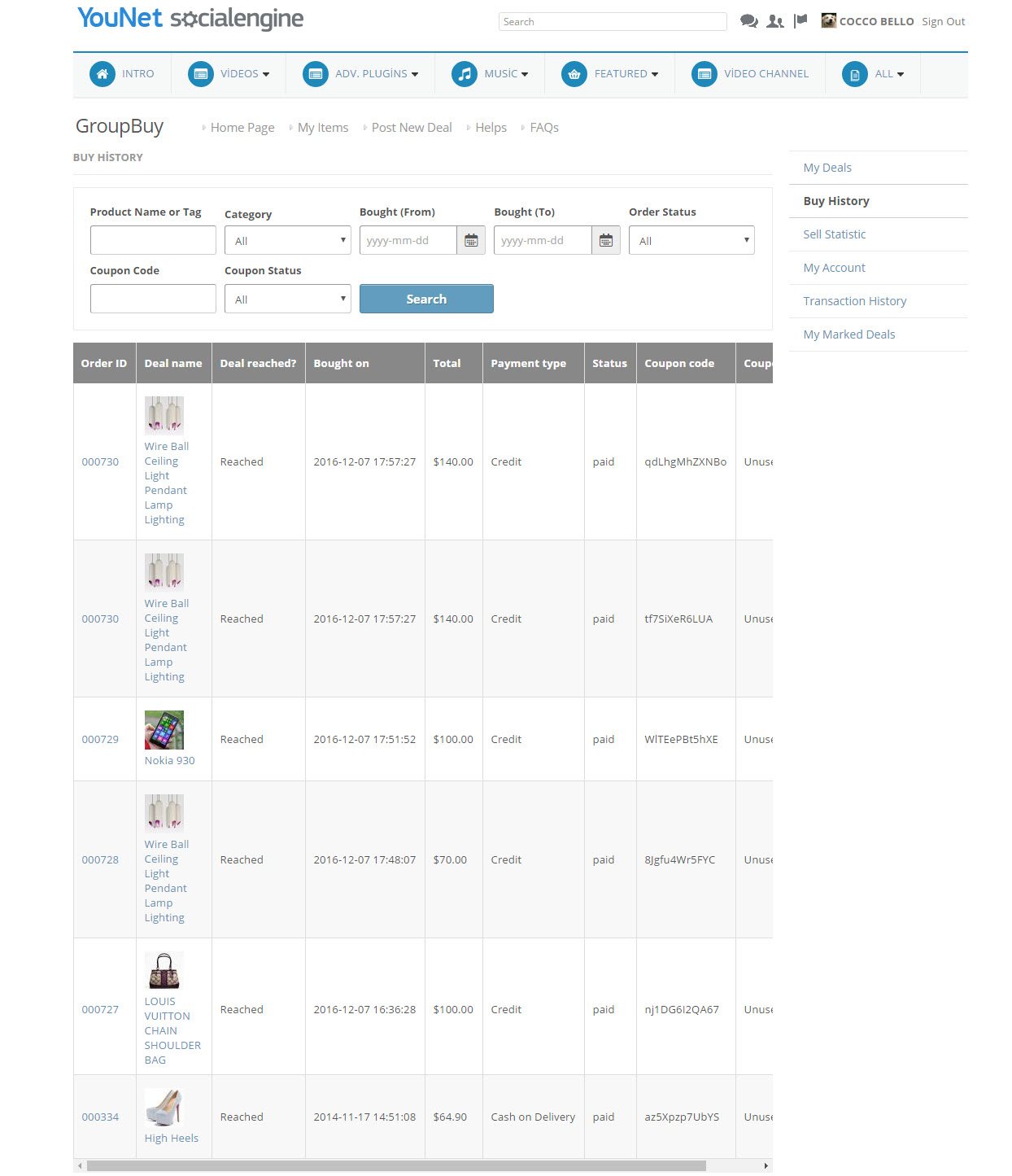
- Buy History
- List out all deals are bought by logging in user
- Buyer can search for deal by keyword, category, date, status, coupon code, coupon status
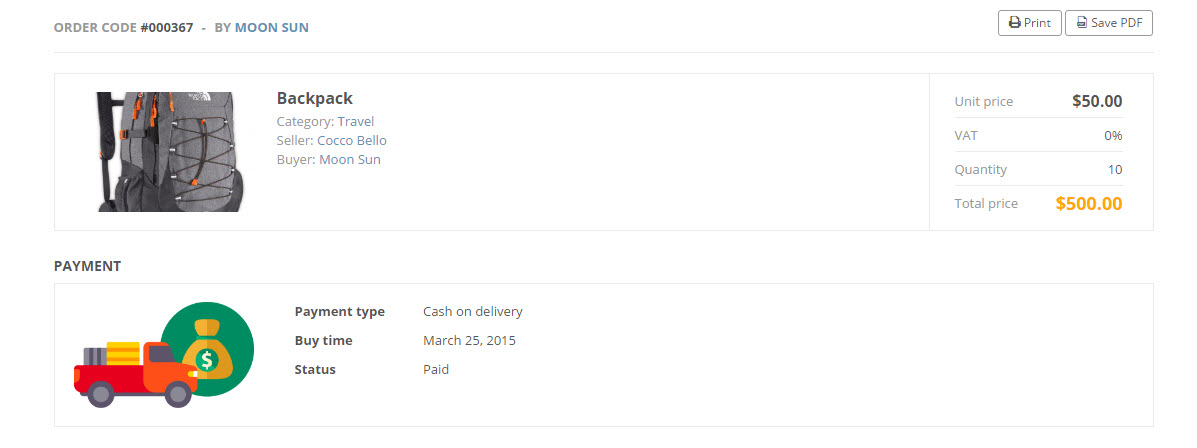
- Buyer is able to view/print detail of order
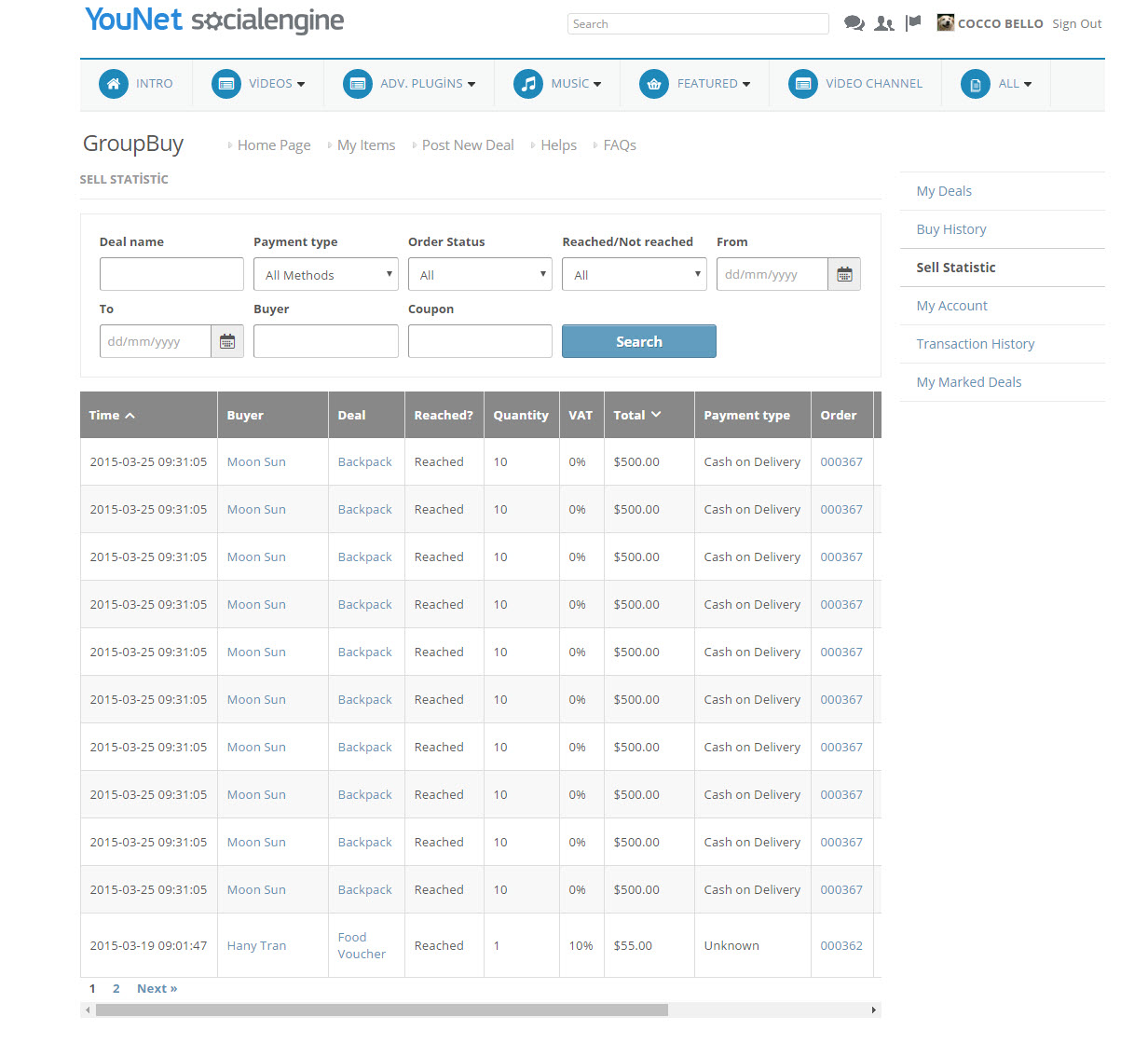
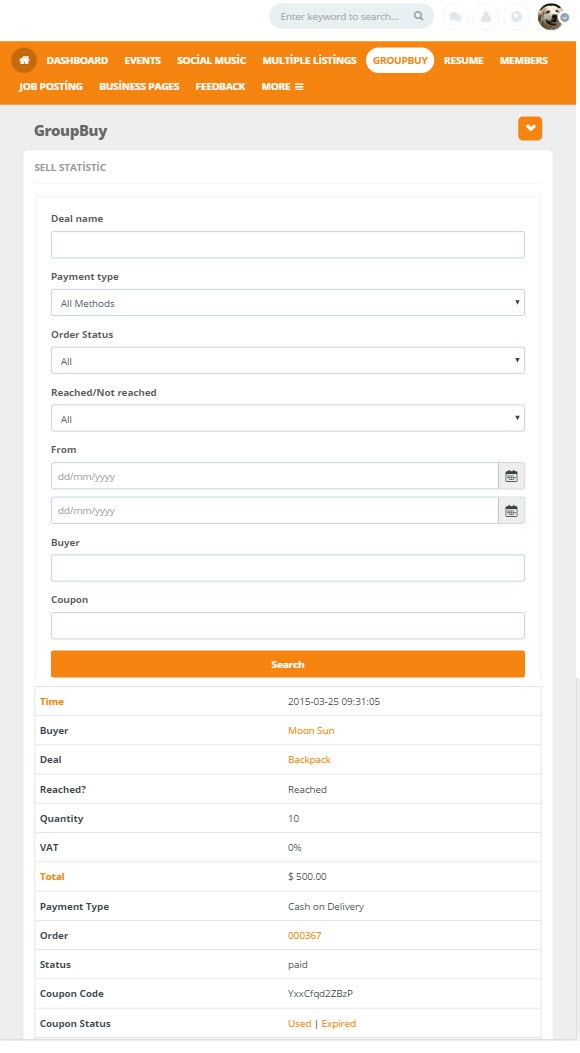
- Selling Statistic
- List out detail statistic of each deal
- Seller is able to view order detail and mark it as completed or refunded
- Seller can manage coupon codes, change status to Used or Expired
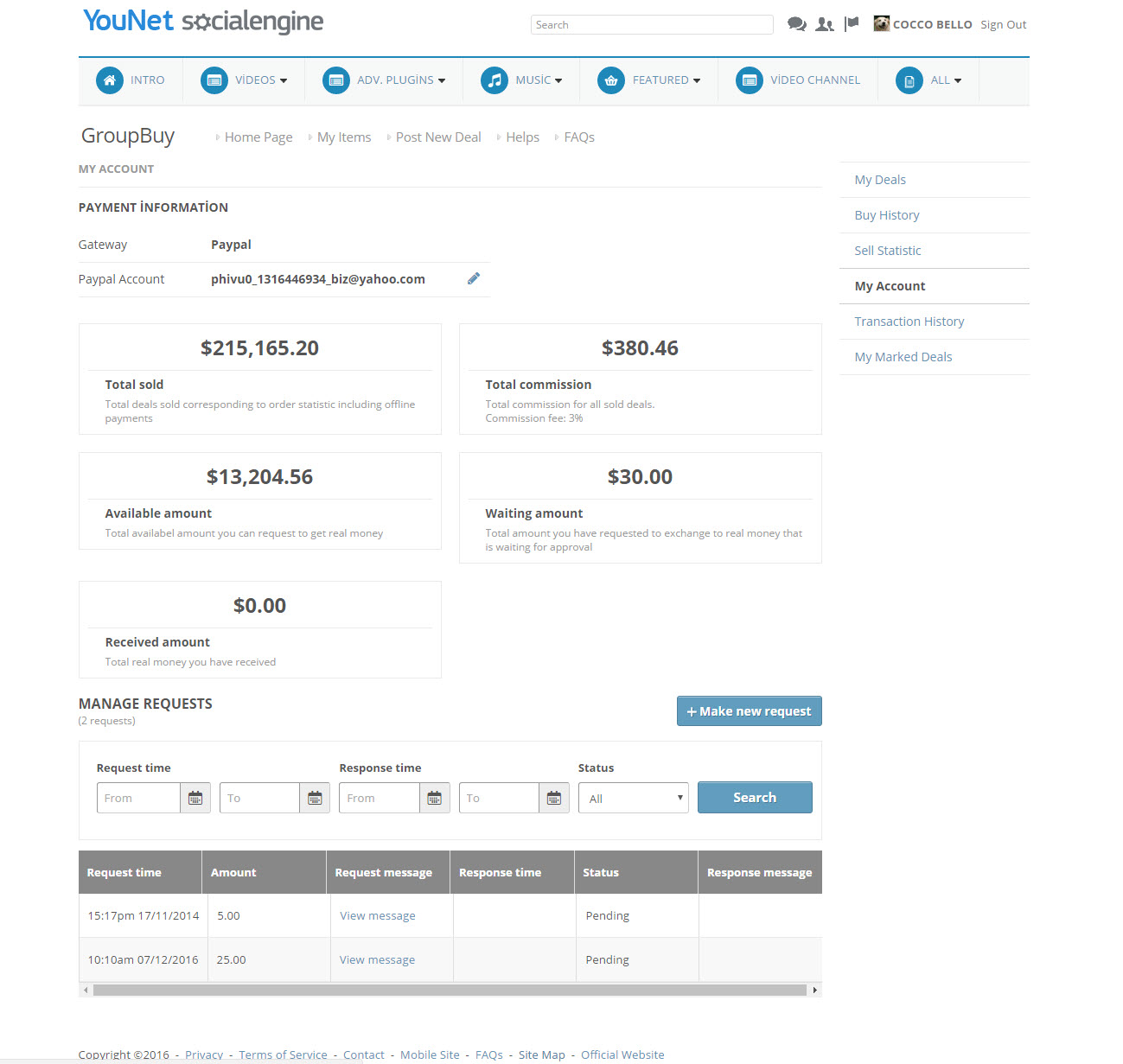
- My Account
- To manage account payment
- Seller is able to edit payment information
- Seller can send request to admin for credit collection
- Support view details information of Total Sold, Total Online purchased , Total Commissions, Available amount, Waiting amount, Received amount
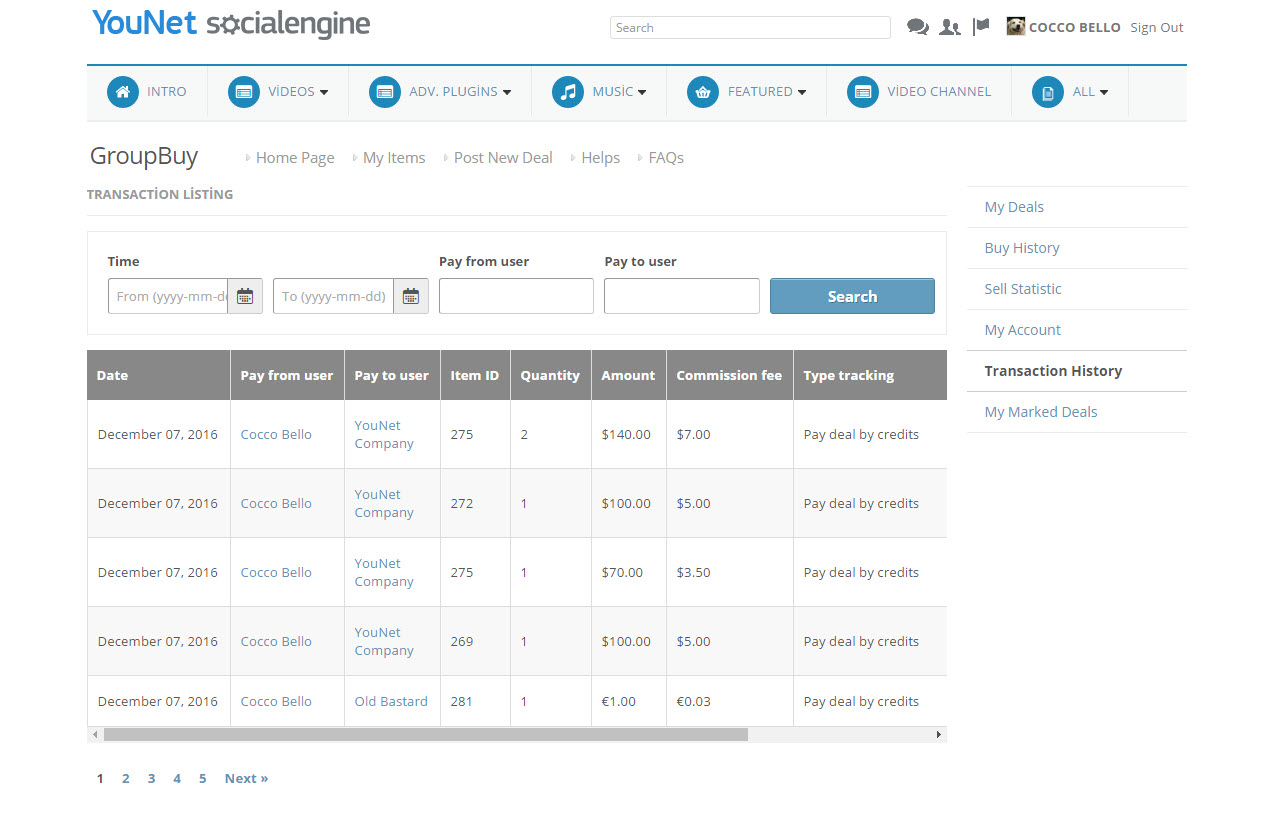
- Transaction History
- List out all transactions of logging in user
- Marked deals
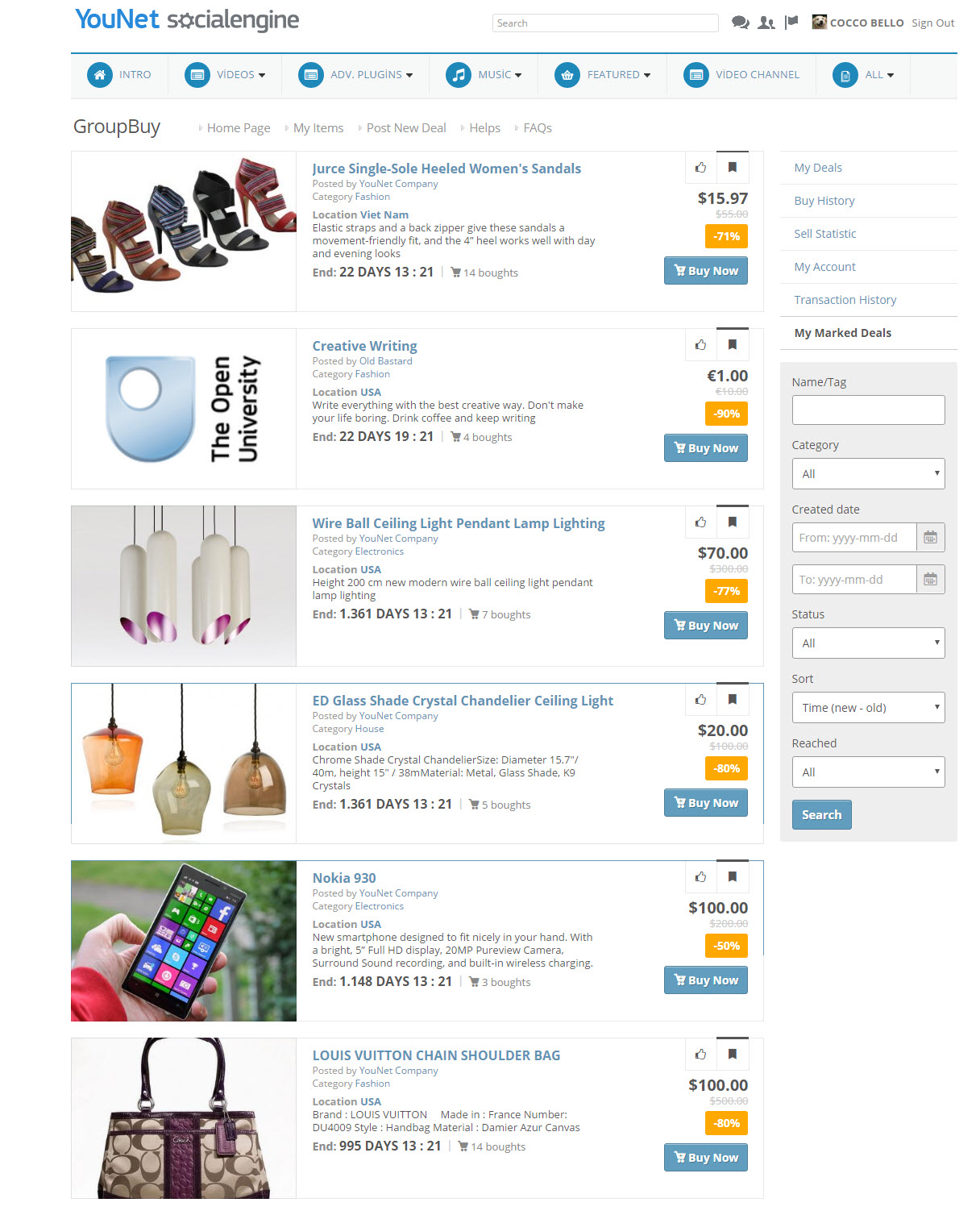
- List out all deals has been marked by logging in user
- My Deals
- Post a New Deal
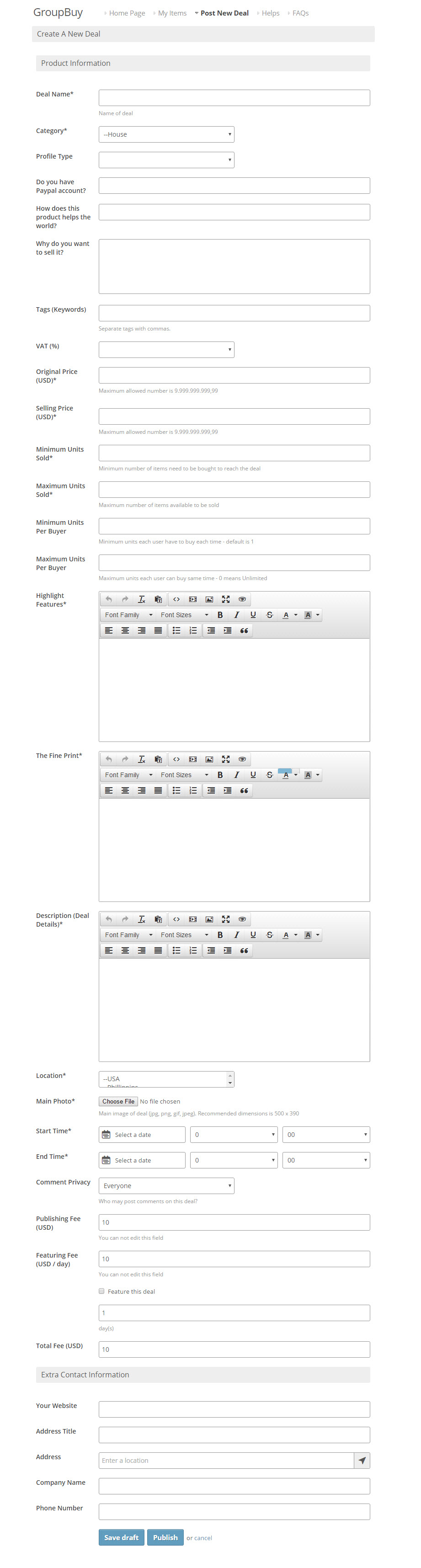
- Allow seller to post new deal with
- Minimum Units Sold: are the minimum number units which needed to be sold in order for the deal to be continued, if the minimum units sold do not meet, the deal will be cancelled and all the bought deal will be returned to buyers.
- Maximum Units Sold : are the maximum numbers units which sellers want to sell for this deal
- Maximum Units Bought: are the numbers of units which one buyer is allowed to buy from this deal
- Allow seller feature deal when publish
- Allow seller to post new deal with
- Helps
- Show instruction/user rules in store for members
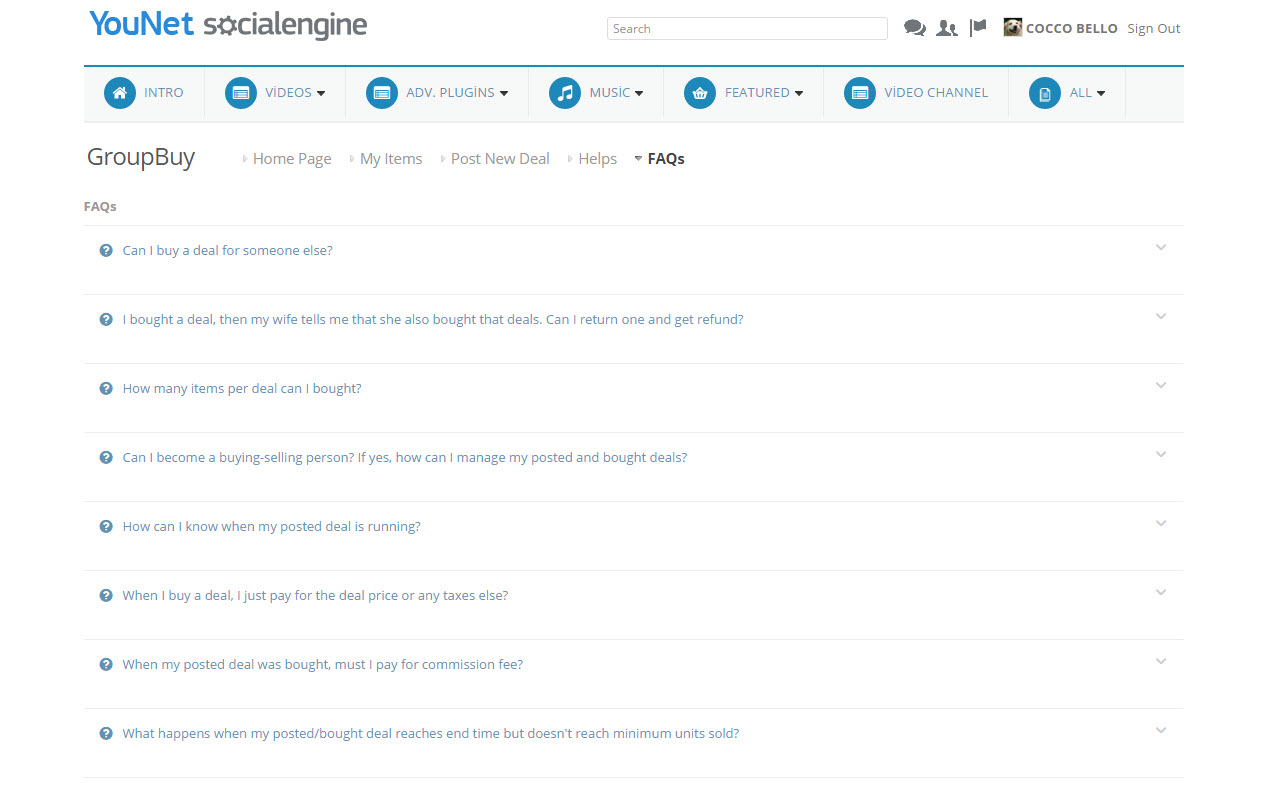
- FAQs
- Show a list of frequently asked questions and answers
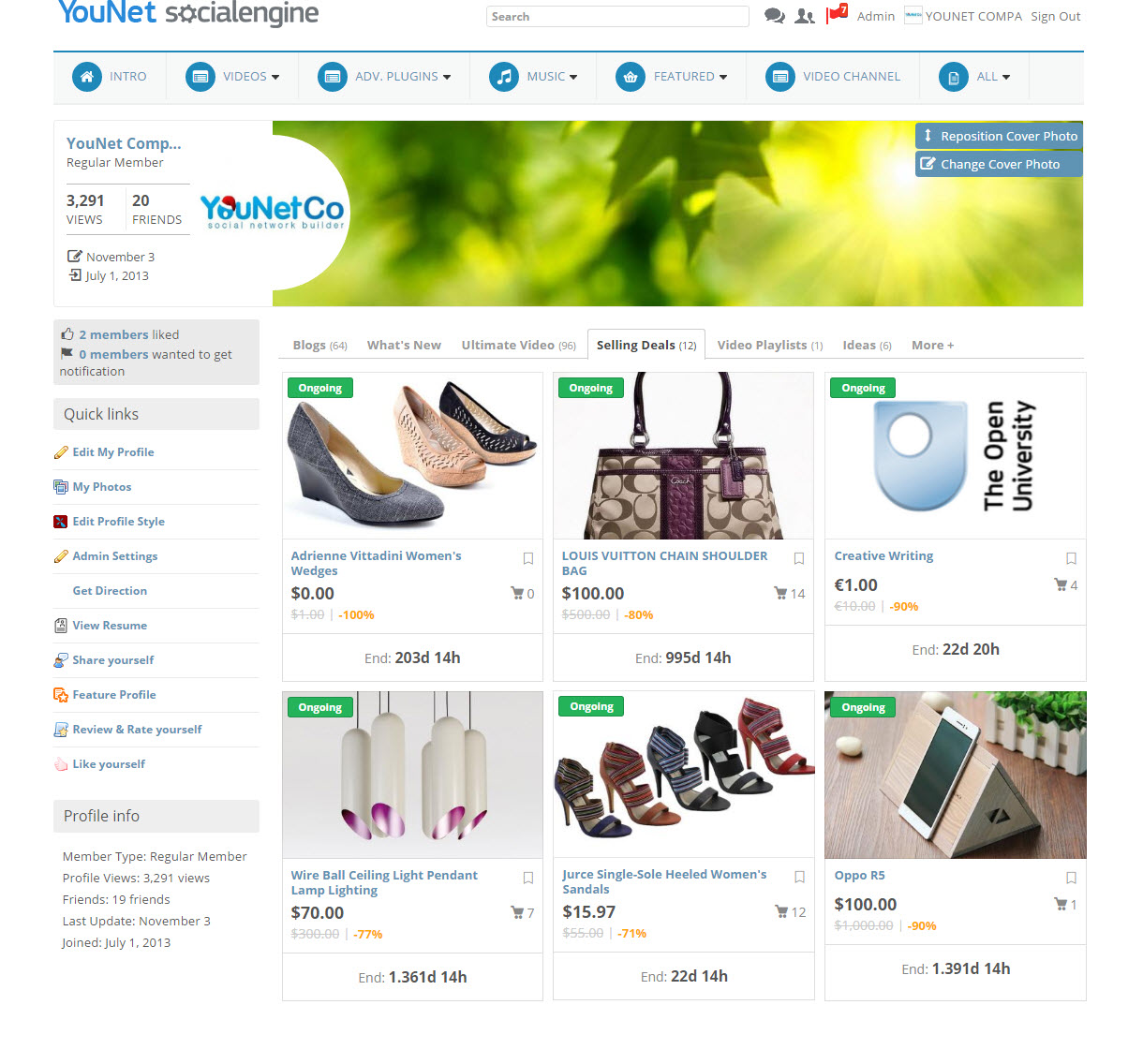
- Member Profile Page
- Show all selling deal of a user in profile page
Back – End
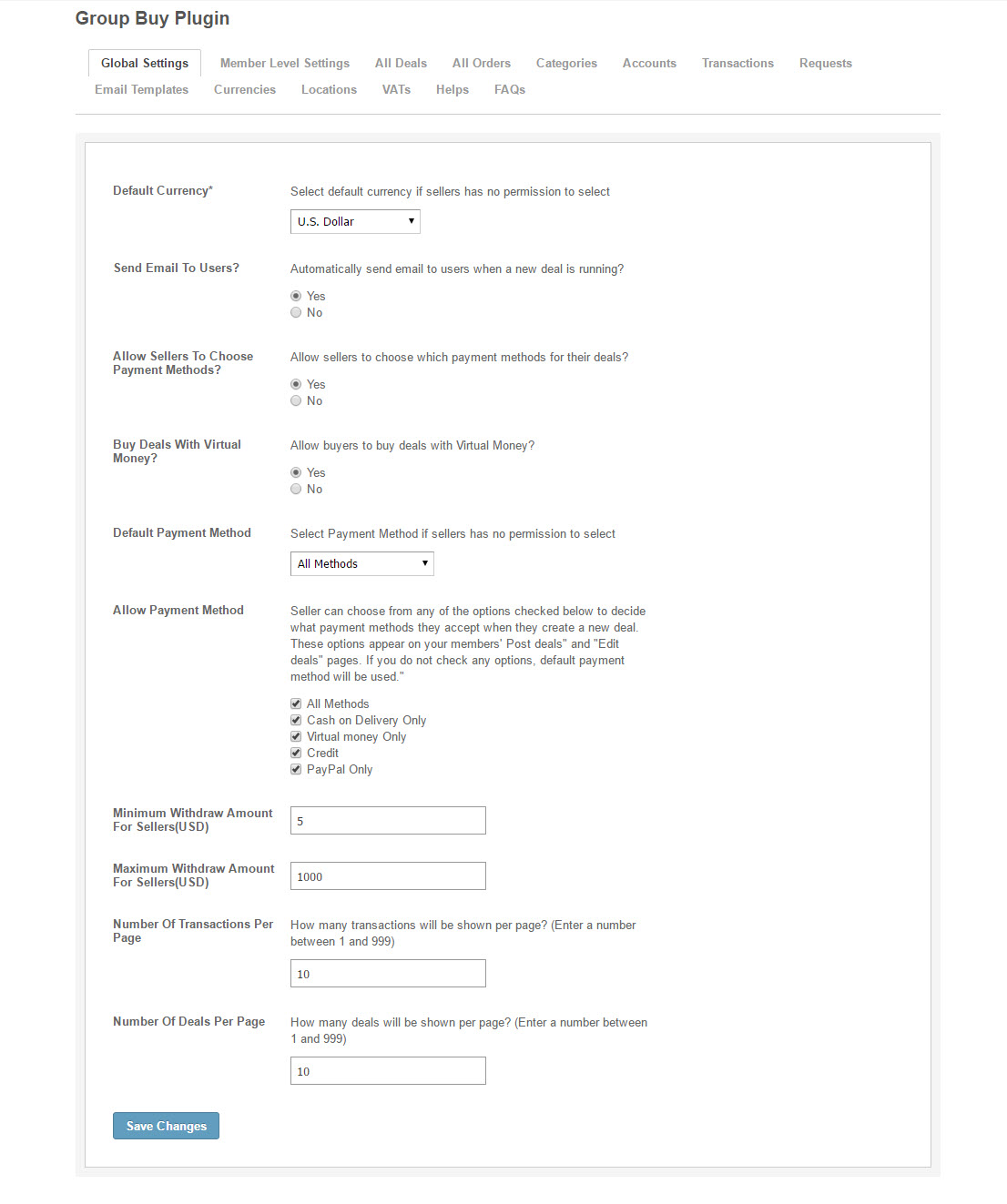
- Global Settings
- Allow admin to configure general settings for GroupBuy module
- Member Level Settings
- The settings are applied on a per-member-level basis
- All Deals
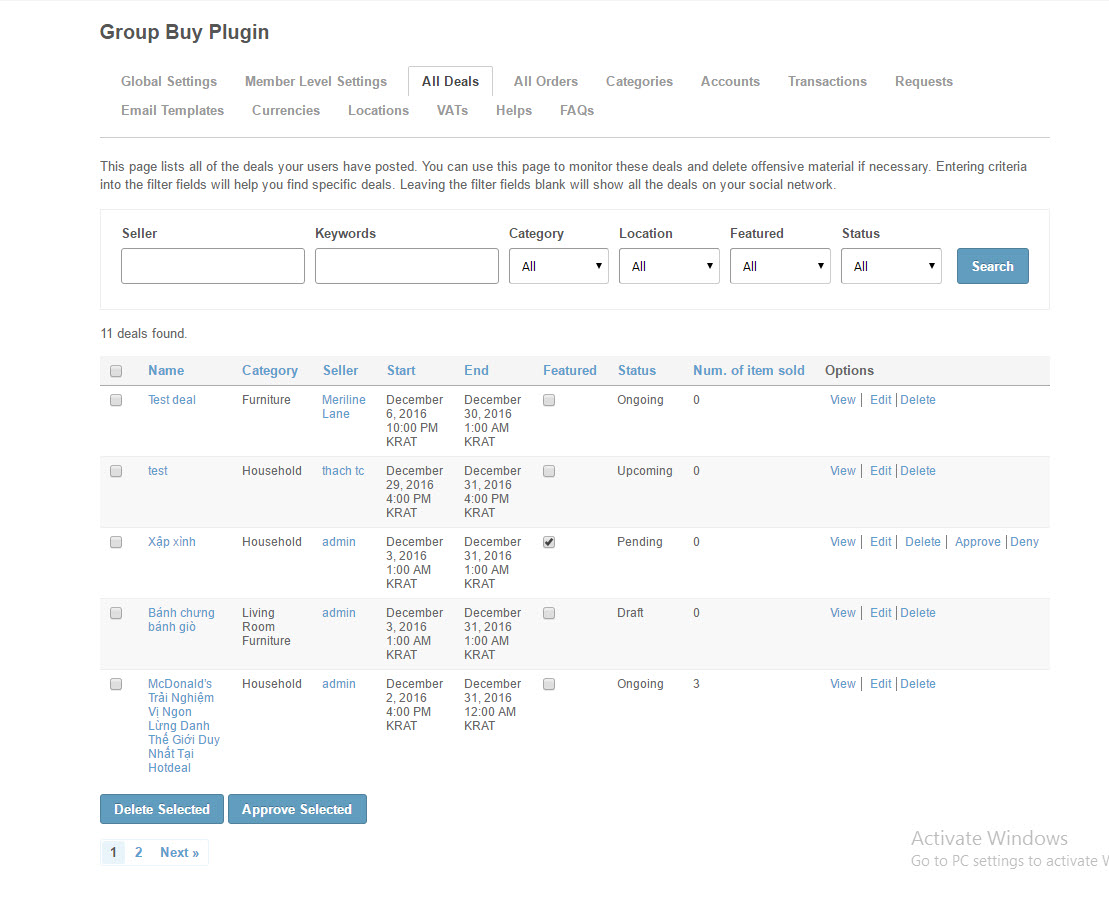
- Enable admin to view/edit/delete/approve/deny or featured a specific deal
- All Order
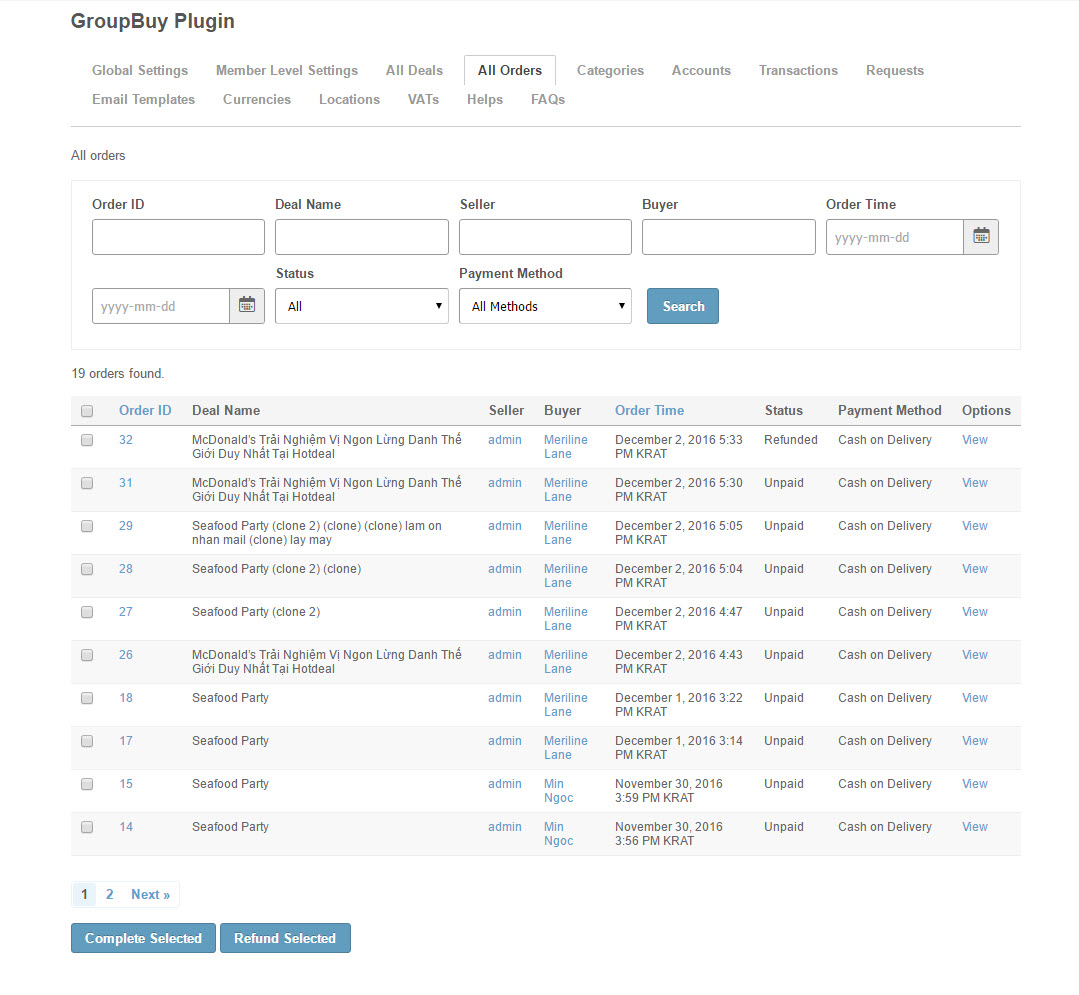
- Allow admin to view/ mark orders as completed or refunded
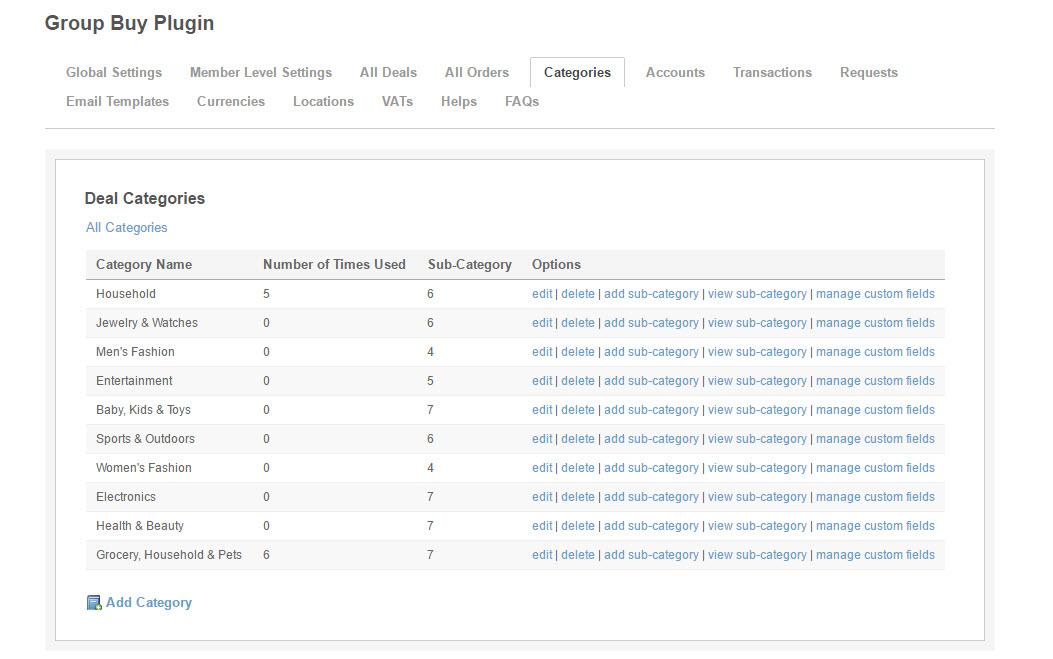
- Categories
- Enable admin to Add/Edit categories and Add/View sub-categories
- Support custom fields. Allow admin to Add/Edit/Delete Question to provide information about the deal listing when creating new deal
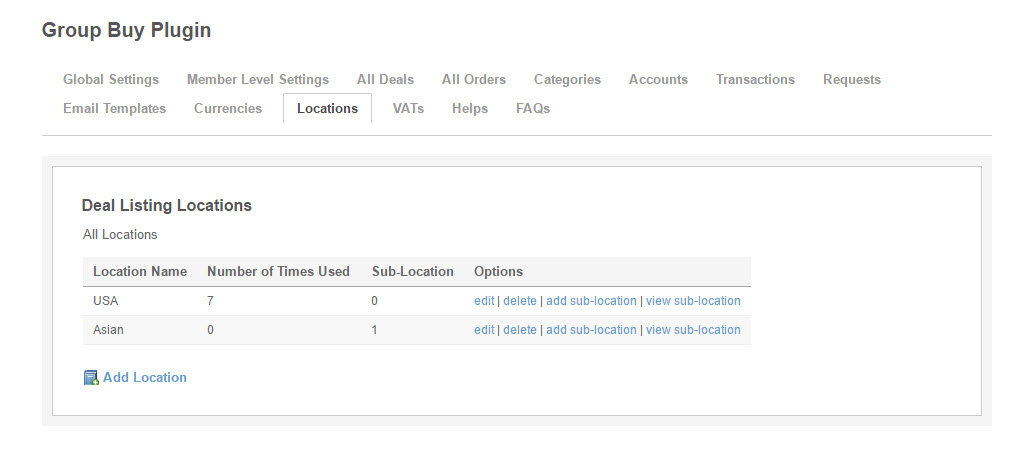
- Locations
- Enable admin to manage deal locations and sub-locations
- Accounts
- Manage members finance accounts
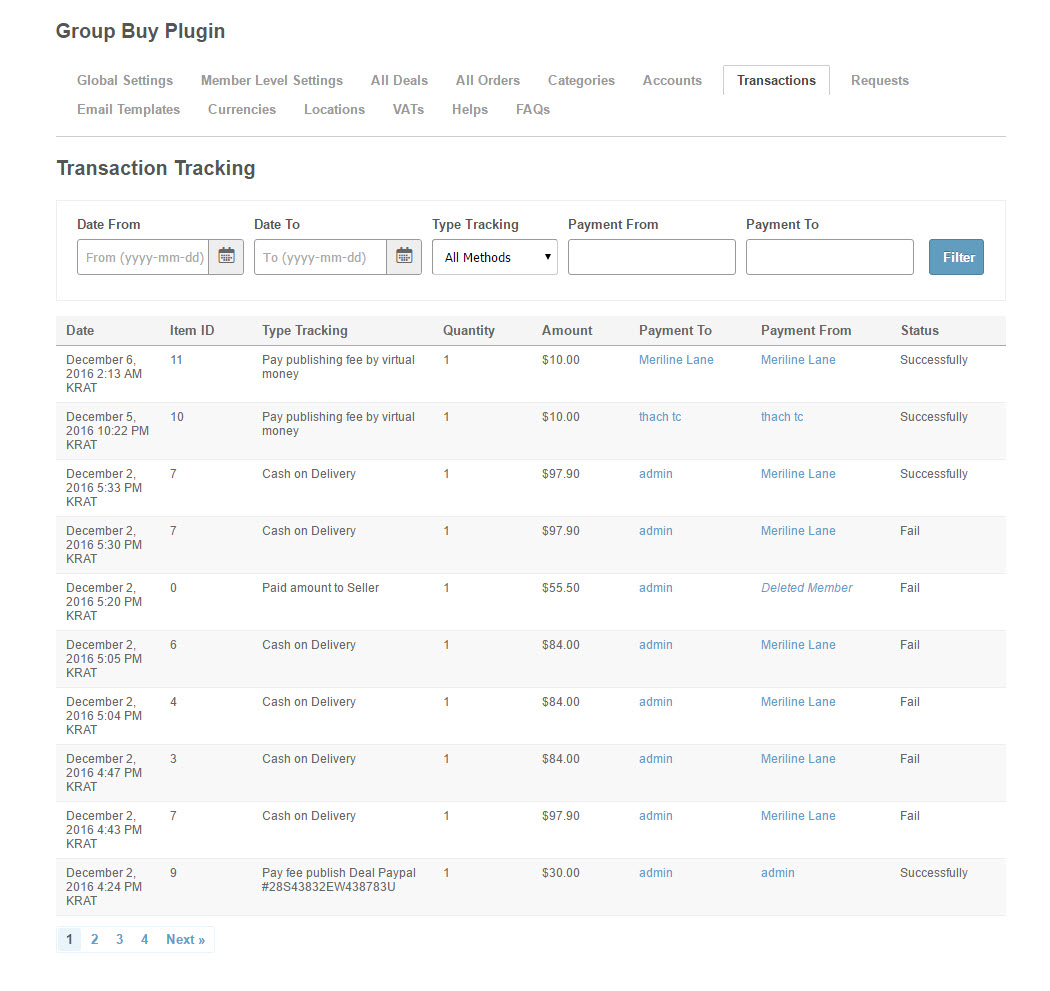
- Transactions
- Search transactions by date, type tracking, Payment From, Payment To
- View all users’ transactions
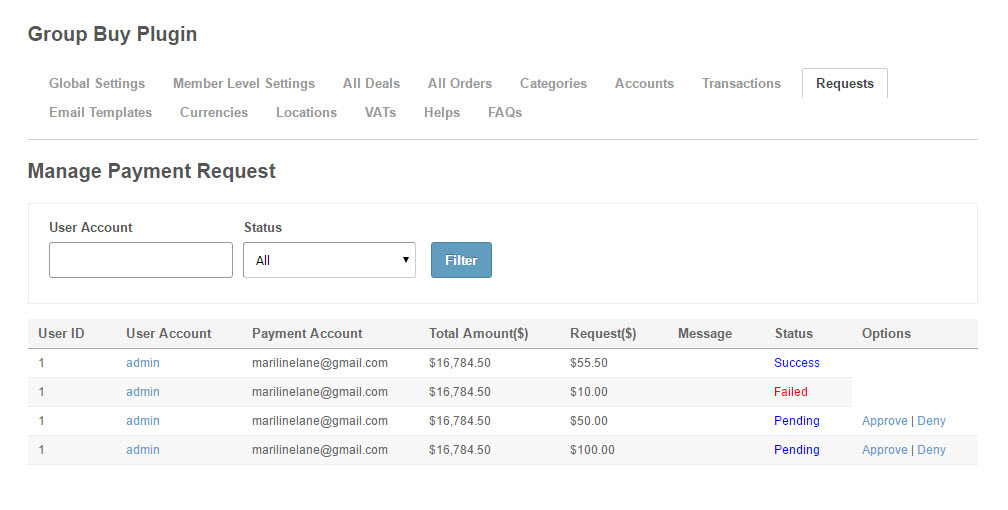
- Requests
- Allow admin to Accept/Deny the requests from sellers
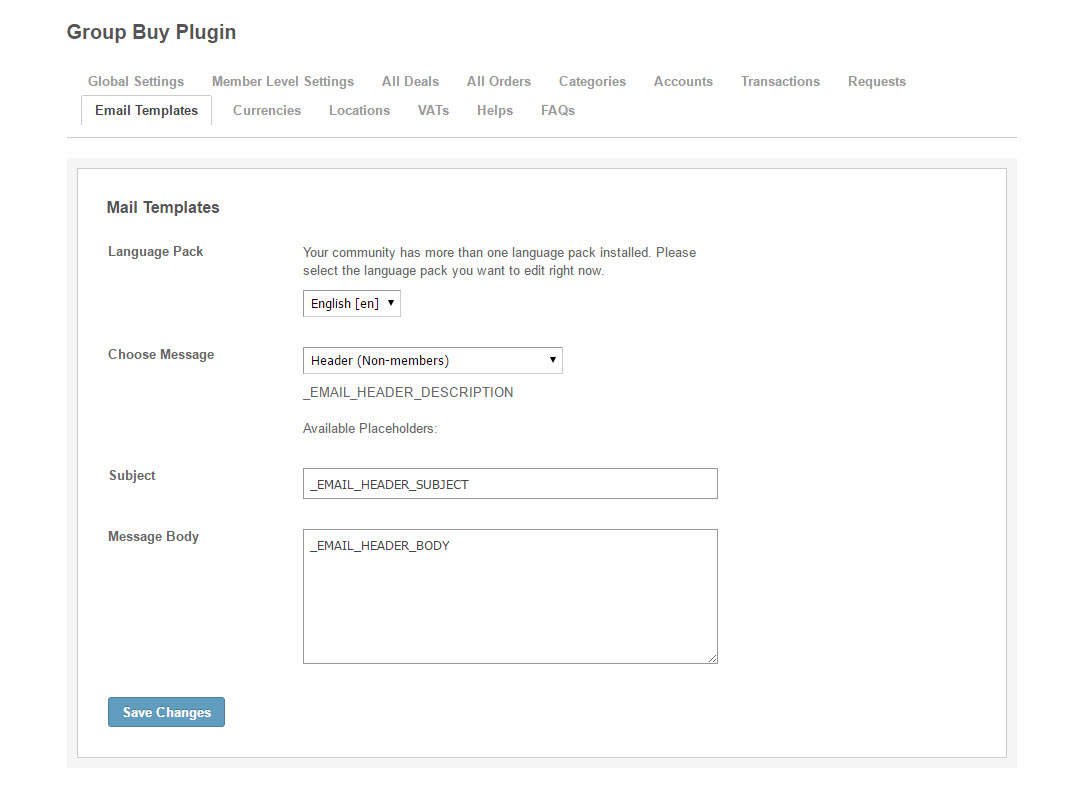
- Email Templates
- Allow admin to compose an email template
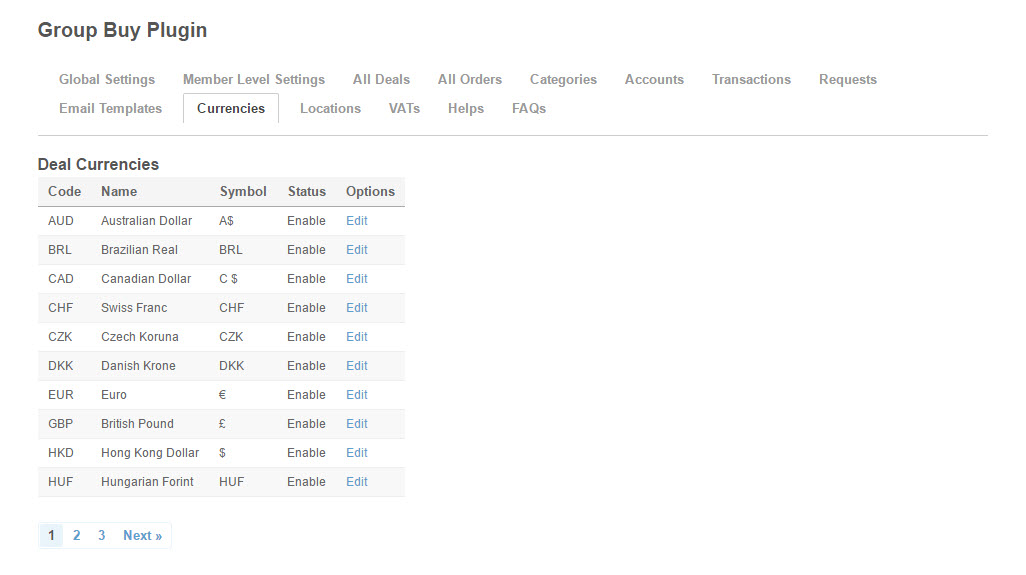
- Currencies
- Allow admin to Enable/Disable the available currencies
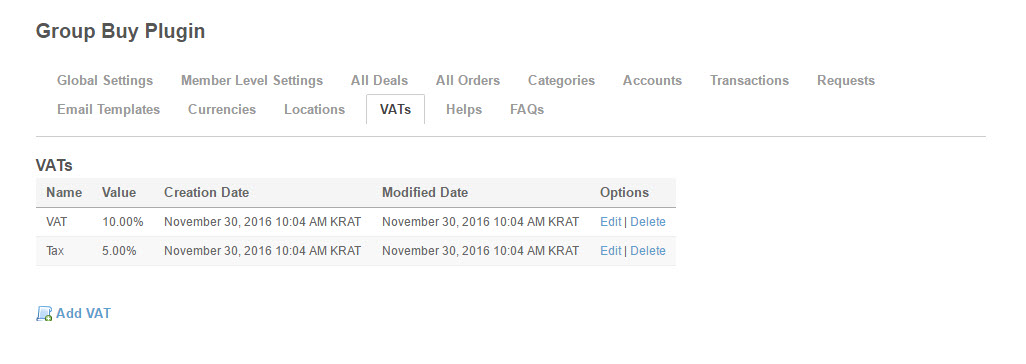
- VATs
- Allow admin to Add/Edit/Delete VAT
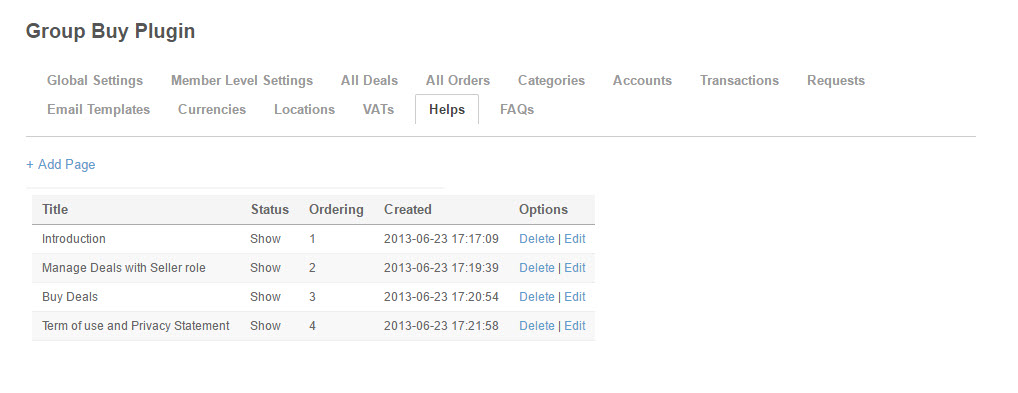
- Helps
- Allow admin to Add/Edit/Delete Page to show instruction/user rules in store to members
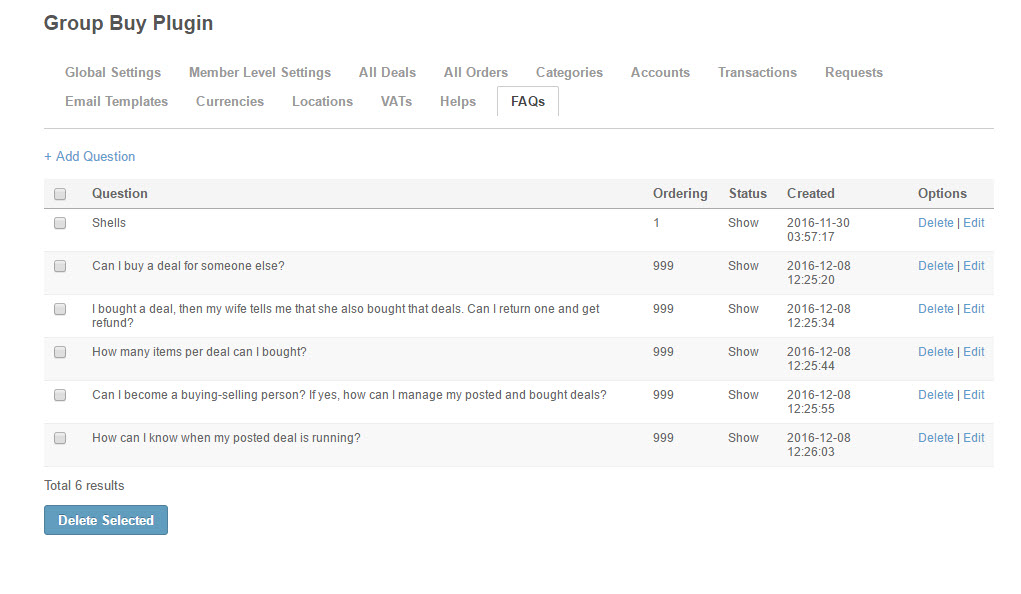
- FAQs
- Allow admin to Add/Edit/Delete frequently asked questions and answers
-
- Front End – Homepage
-
- Front End – Search Deal Results – Grid View
-
- Front End – Search Deal Results – List View
-
- Front End – View Deal Details
-
- Front End – Check out – Shipping Information

-
- Front End – Check out – Payment
-
- Front End – Check out – Buy for friend

-
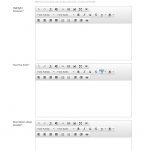
- Front End – Create New Deal
-
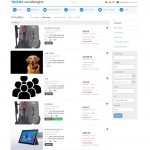
- Front End – My Items – My Deals

-

- Front End – My Items – Buy History
-
- Front End – My Items – Sell Statistic
-
- Front End – My Items – My Account
-
- Front End – My Items – Transaction History
-
- Front End – My Items – My Marked Deals
-
- Front End – View Order Details
-
- Front End – Helps

-
- Front End – FAQs
-
- Front End – User Profile
-
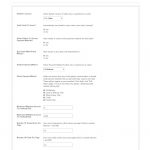
- Back End – Global Settings
-
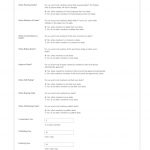
- Back End – Member Level Settings

-
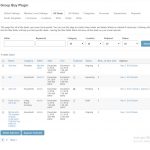
- Back End – All Deals
-
- Back End – All Orders
-
- Back End – Accounts
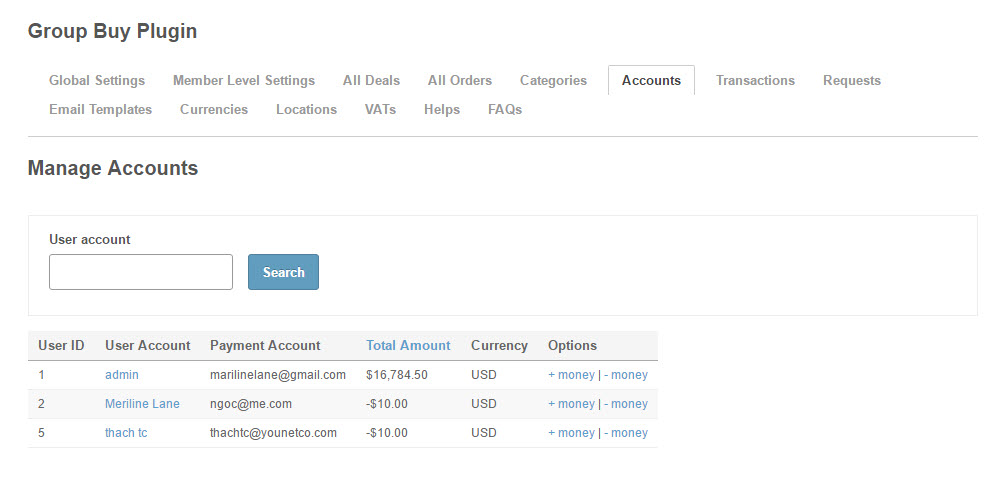
-
- Back End – Transactions
-
- Back End – Requests
-
- Back End – Email Templates
-
- Back End – Currencies
-
- Back End – Locations
-
- Back End – Categories
-
- Back End – VATs
-
- Back End – Helps
-
- Back End – FAQs
-
- Front End – Homepage (Ipad)

-
- Front End – Homepage – Search Deals (Ipad)
-
- Front End – Search Result – List View (Ipad)

-
- Front End – My Items – My Deals (Ipad)

-

- Front End – View Deal Details (Ipad)
-
- Front End – My Items – My Deals – Selling Statistic (Ipad)
-
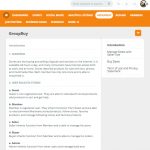
- Front End – Helps (Ipad)

-
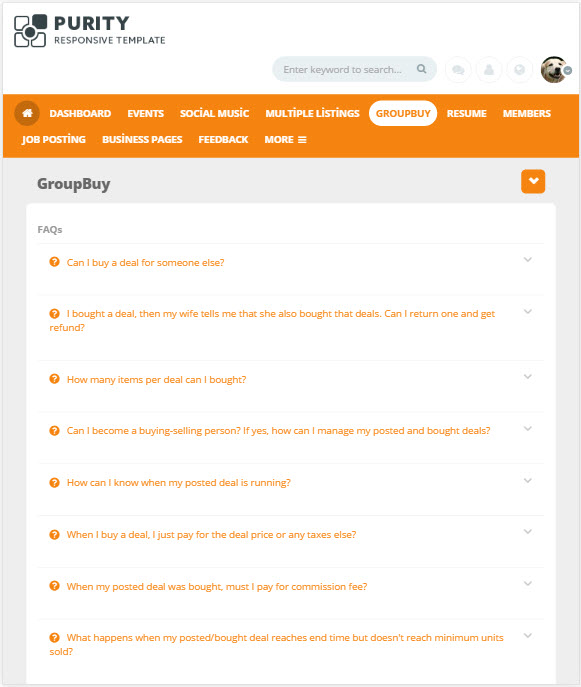
- Front End – FAQs (Ipad)
-
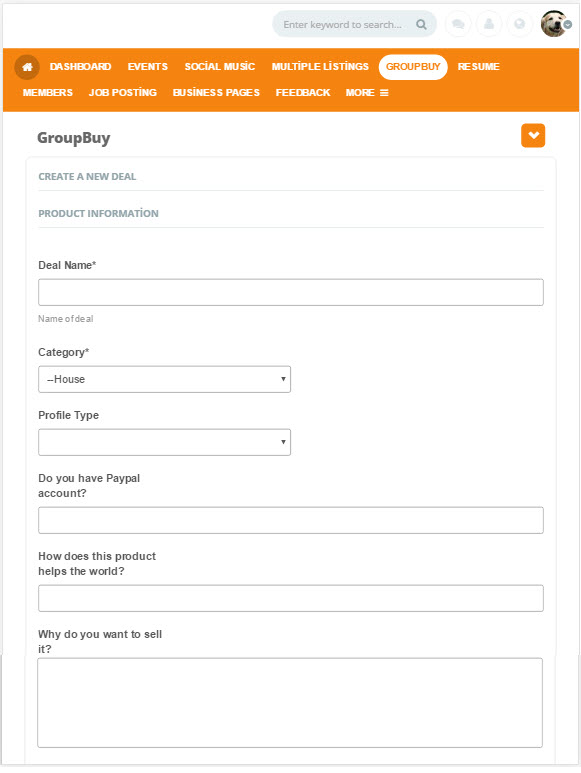
- Front End – Creat New Deal (Ipad)
-
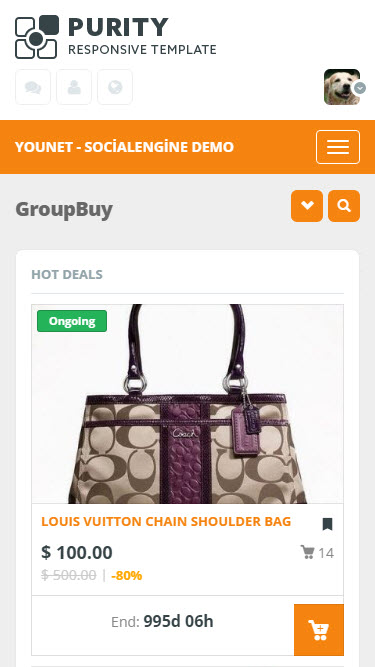
- Front End – Homepage (Iphone6)
-
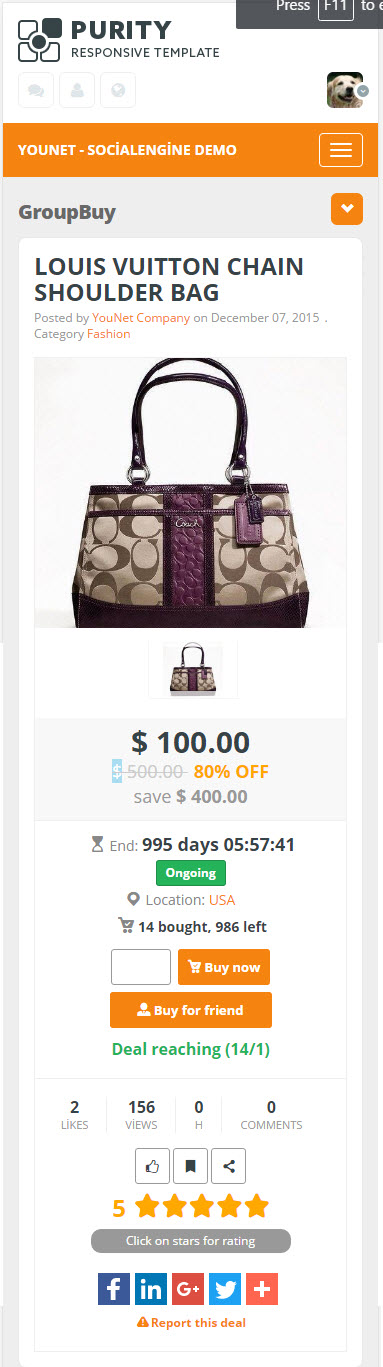
- Front End – View Deal Details (Iphone6)
-
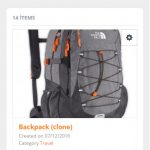
- Front End – My Items – My Deals (Iphone6)